
How to Set Up the myQ App on a Chamberlain Garage Door Opener
To set up myQ on a Chamberlain opener: download the myQ app, create an account, tap the + to add a device, choose “Garage Door Opener,” and follow the prompts to connect it to your 2.4 GHz Wi-Fi. Most pairing failures come from trying to use a 5 GHz network or standing too far from the opener — stay close and use the 2.4 GHz band.
- myQ only connects on a 2.4 GHz Wi-Fi band — not 5 GHz.
- Your opener must have built-in Wi-Fi (look for the blue antenna light) or a myQ bridge.
- Keep your phone near the opener during pairing for the strongest signal.
- A solid blue Wi-Fi light means connected; blinking means it’s still trying.
- If it won’t pair, reboot the router and retry before factory-resetting the opener.
Before you start
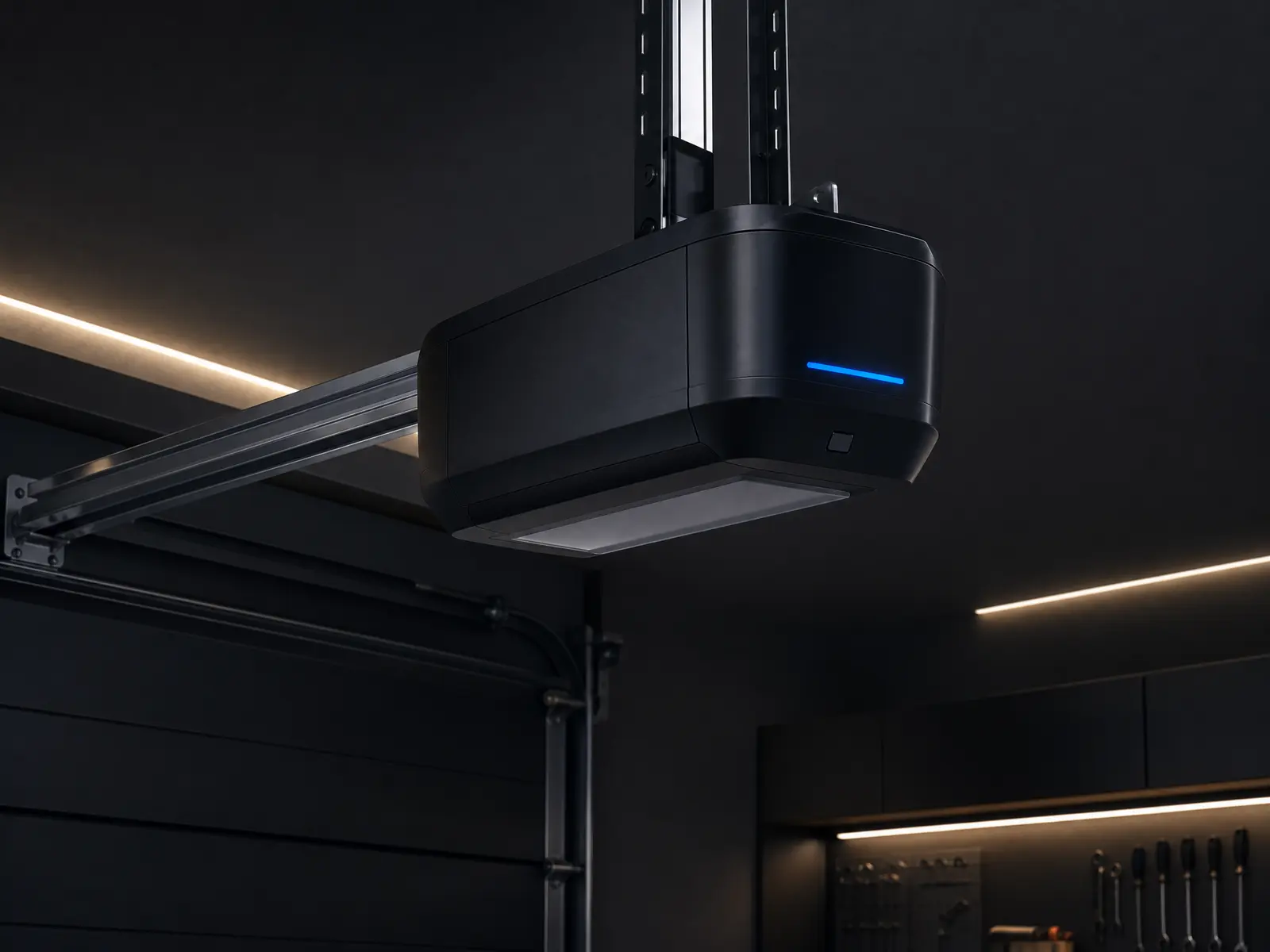
Confirm your opener actually has myQ Wi-Fi built in — most Chamberlain and LiftMaster units made after about 2017 do, shown by a small Wi-Fi/antenna symbol and a blue LED on the motor head. Older units need an inexpensive “myQ Internet Gateway” bridge.
Have your home Wi-Fi password handy, and make sure your phone is on the 2.4 GHz band — myQ does not connect over 5 GHz.
Step-by-step pairing
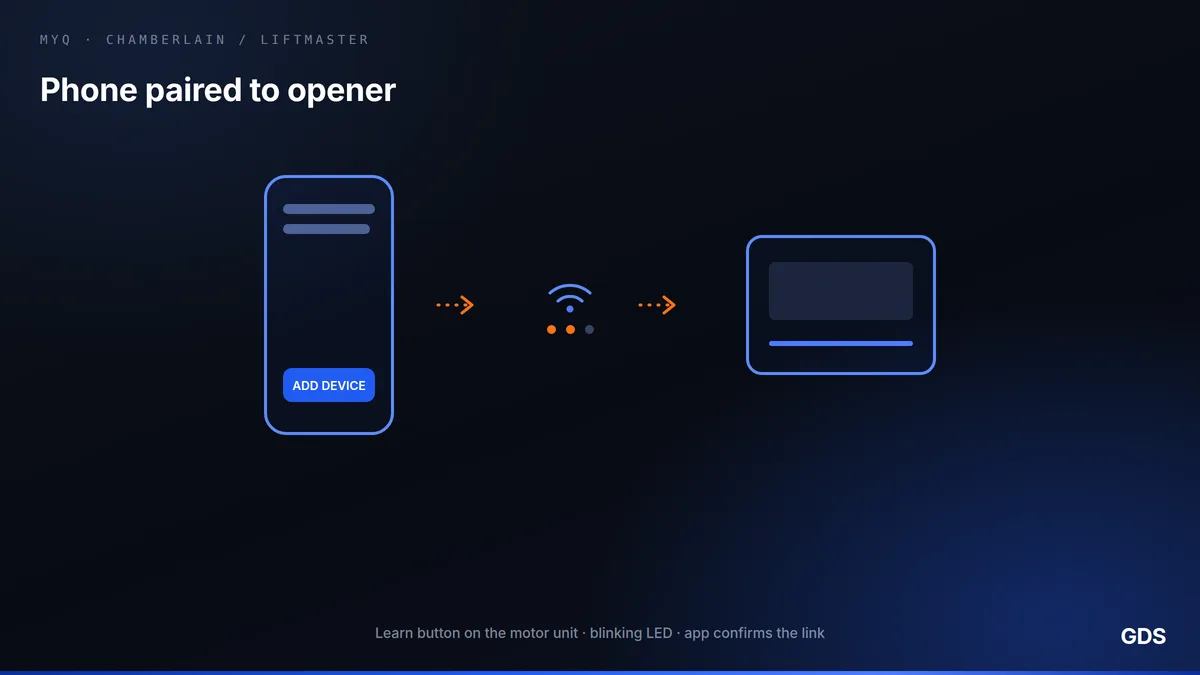
Download the myQ app and create a free account. Tap the + (add device), choose “Garage Door Opener,” and select your brand. Press and release the Wi-Fi/Learn button on the opener — the blue light will blink to show it’s in pairing mode.
Back in the app, follow the prompts to join the opener’s temporary network, then select your home Wi-Fi and enter the password. When the blue light goes solid, it’s connected. Name the door and test open/close from the app.
Common problems and fixes
If pairing fails, the usual culprit is the 5 GHz band — split your router’s bands or temporarily disable 5 GHz so your phone uses 2.4 GHz. A blinking blue light that never goes solid usually means a wrong Wi-Fi password or weak signal at the garage.
Still stuck? Reboot the router, move your phone closer to the opener, and retry. If the opener itself is glitchy or the button is unresponsive, the logic board may be failing — that’s a repair, not a setup issue.
We service and install every major opener brand, including smart Wi-Fi units with full app setup. Book a visit across London + 50 km from $189.
Frequently asked questions
Why won’t the myQ app find my garage door opener?
Almost always because your phone is on a 5 GHz Wi-Fi network. myQ only connects on the 2.4 GHz band — switch bands (or stand closer to the opener) and try again.
Do I need a myQ bridge for my Chamberlain opener?
Only if your opener does not have Wi-Fi built in. Units with a blue antenna light have it built in; older models need the myQ Internet Gateway accessory.
Can you set up the smart opener for me?
Yes — our opener service includes Wi-Fi setup, app pairing, and remote/wall-console programming, on all major brands across London and the surrounding 50 km.
Related guides
Essential Garage Door Opener Parts You Should Know
Motor, drive, trolley, logic board, safety sensors, remotes — what each opener part actually does, and the ones that fail first.
Why Won’t My Garage Door Open in the Cold? 7 Winter Fixes
Frozen to the floor, opener straining, spring snapped on the first cold snap — the seven things that stop a garage door in an Ontario winter, and which you can fix yourself.